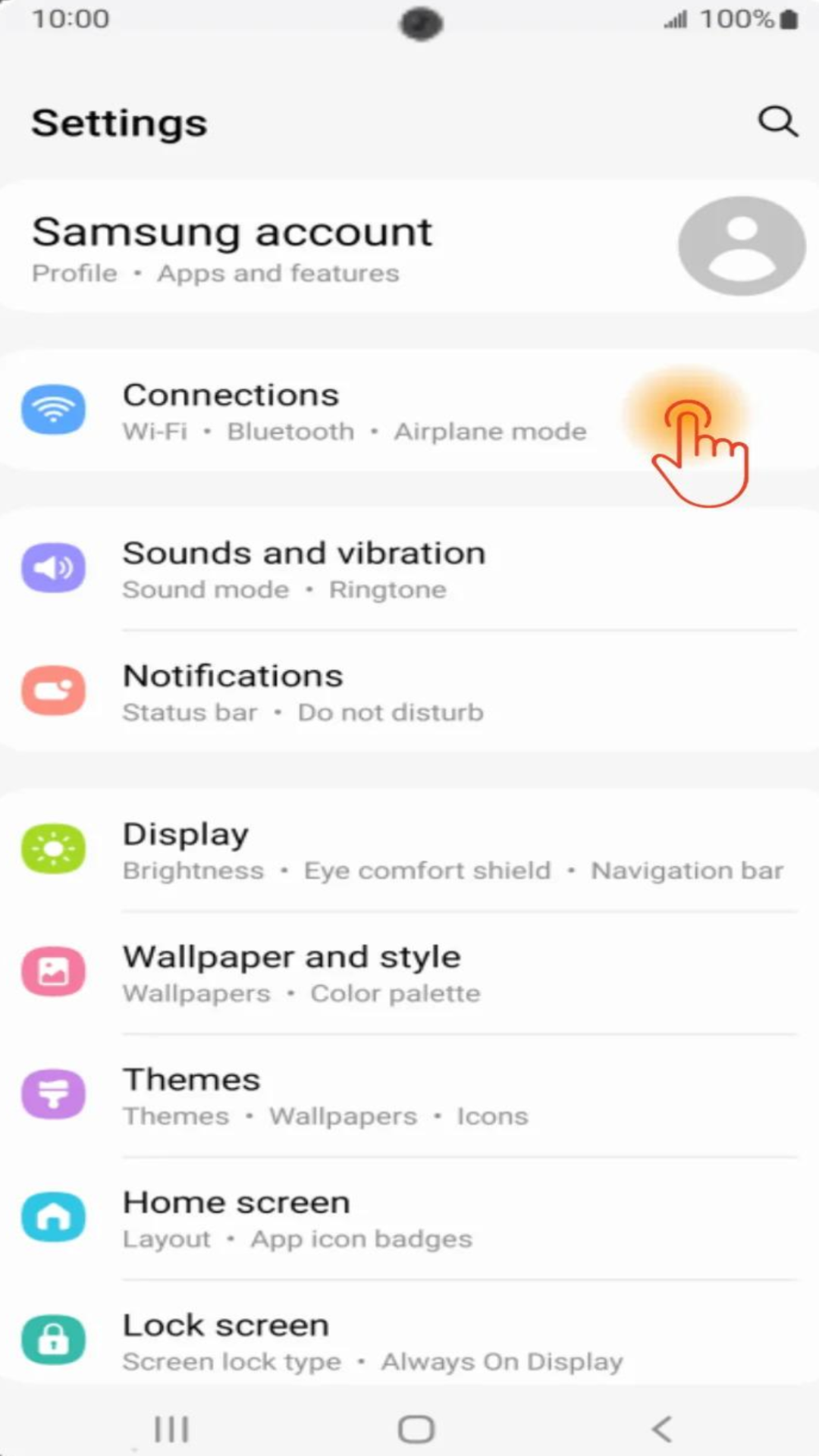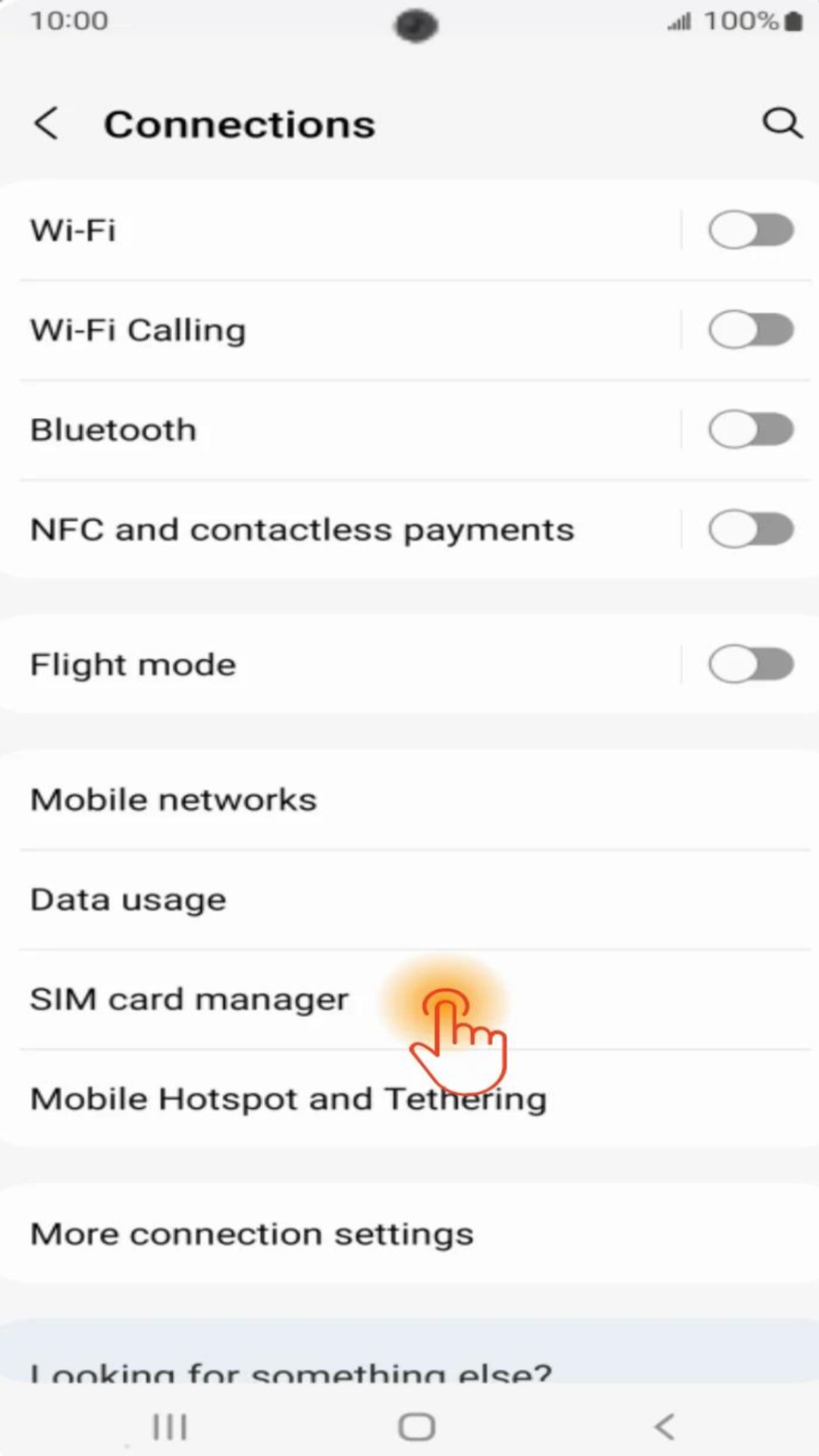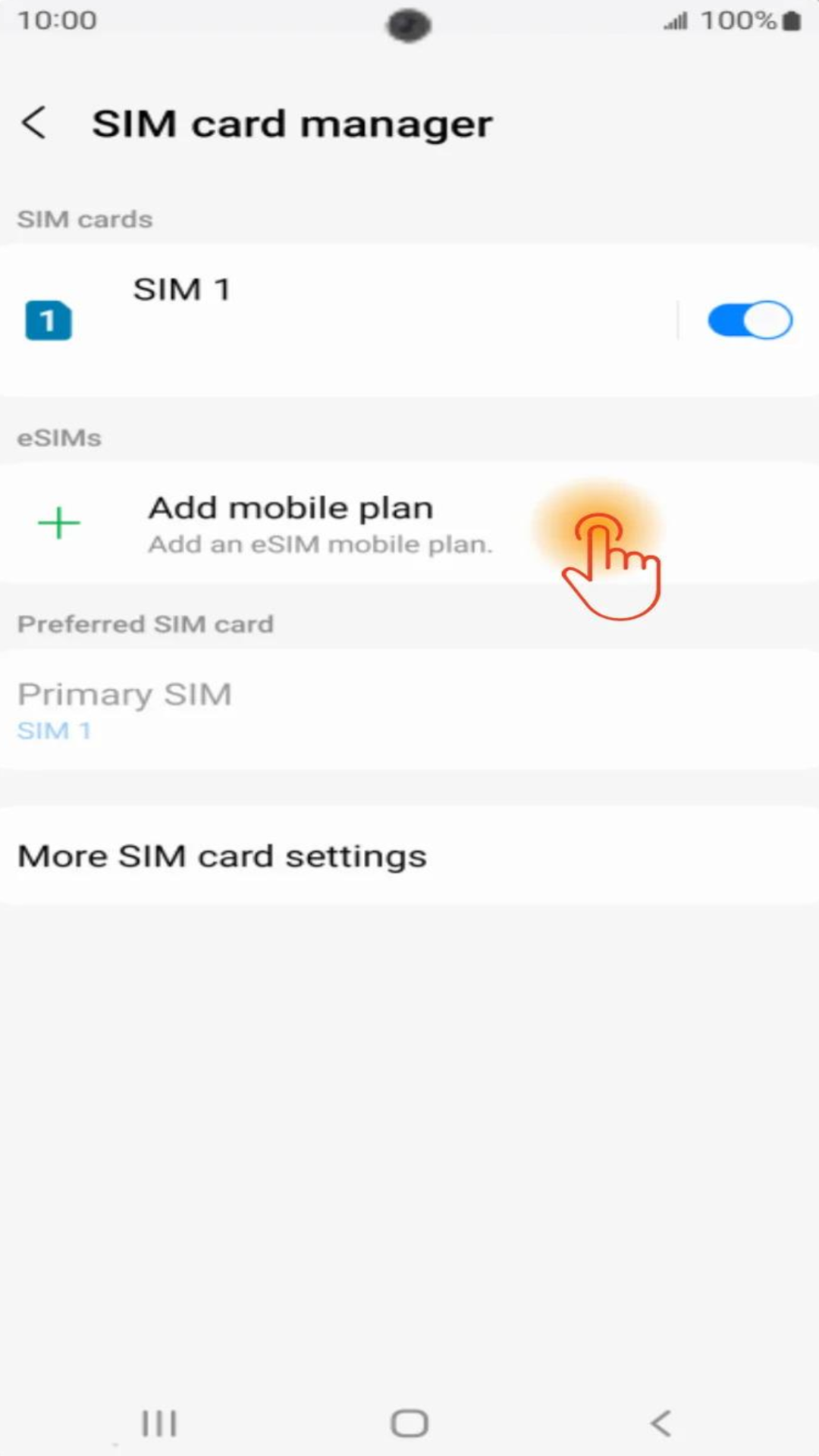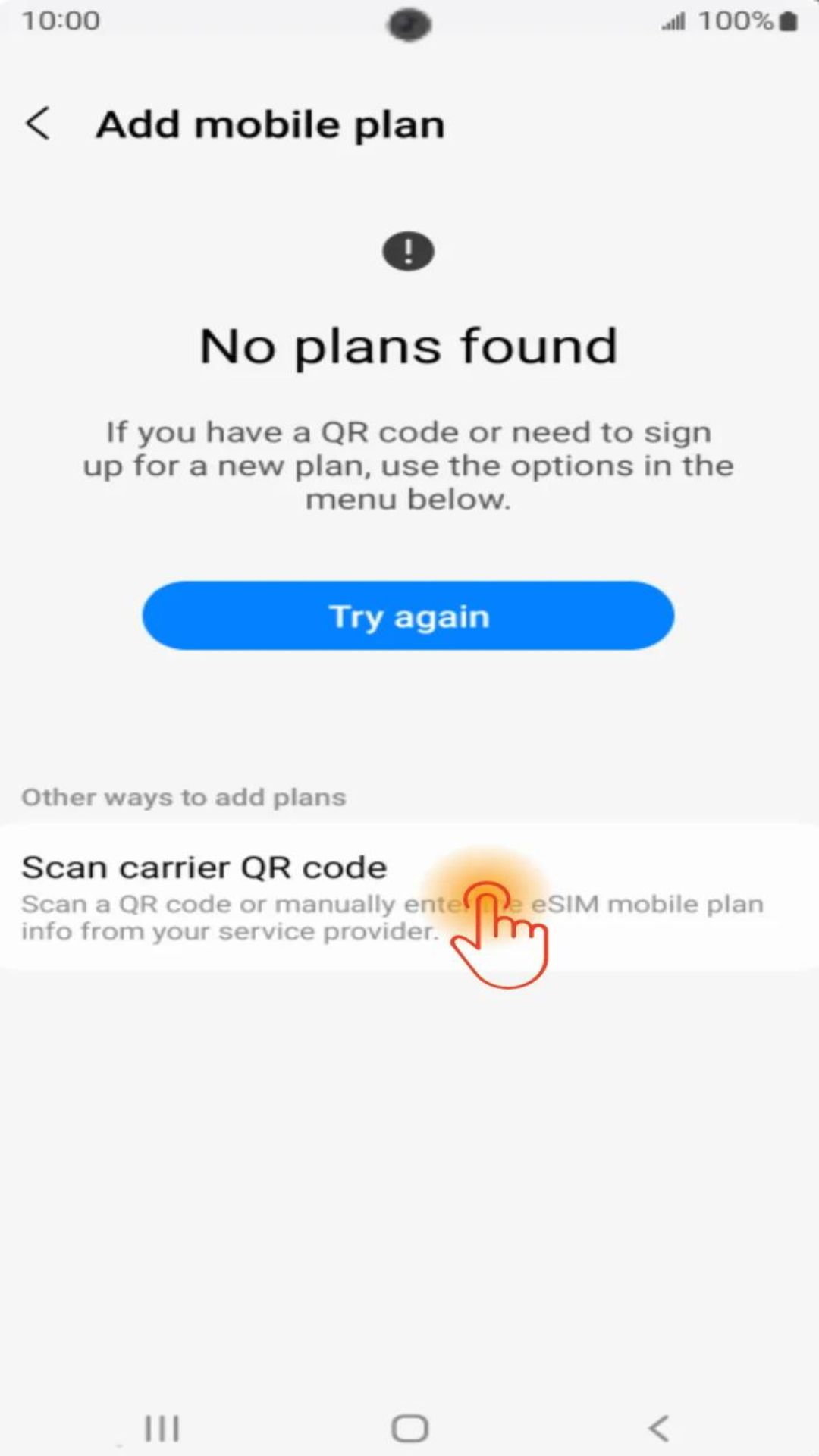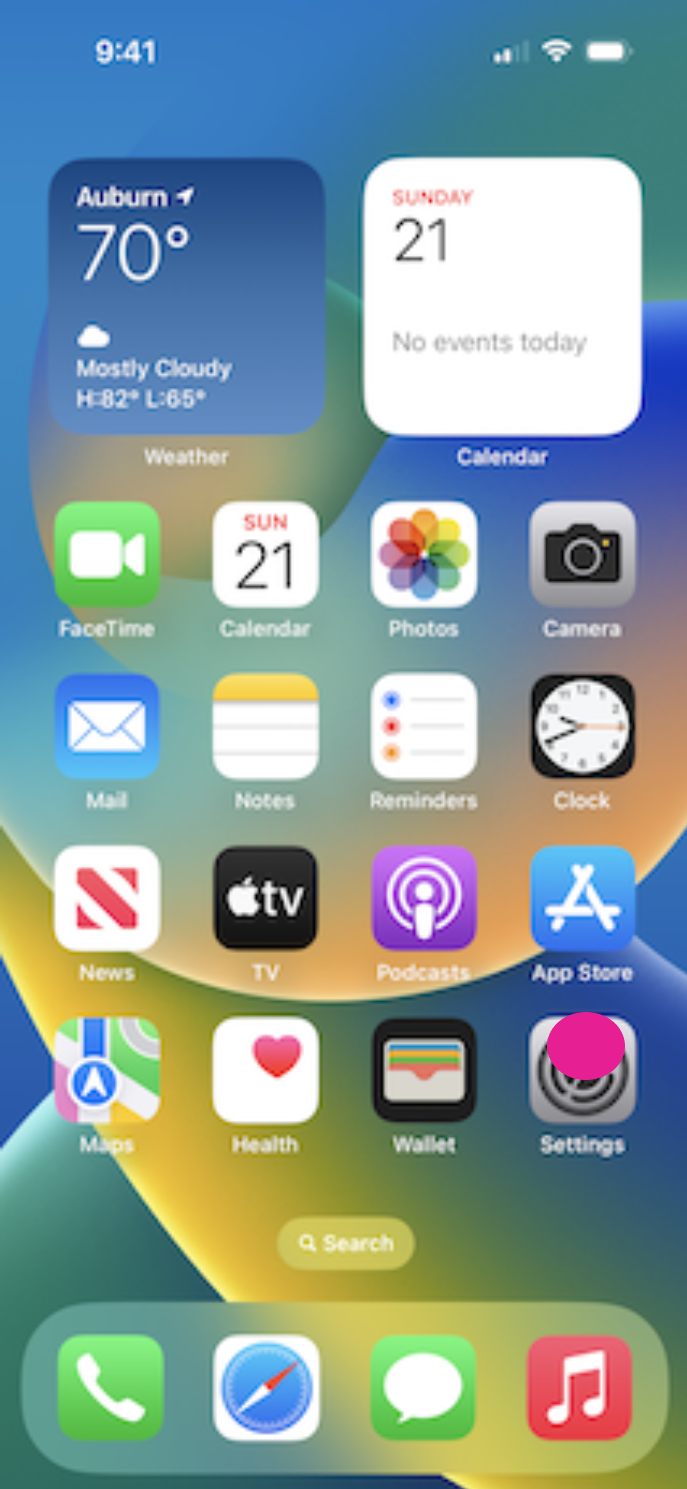
Step 1
Go to the home screen. Select Settings.
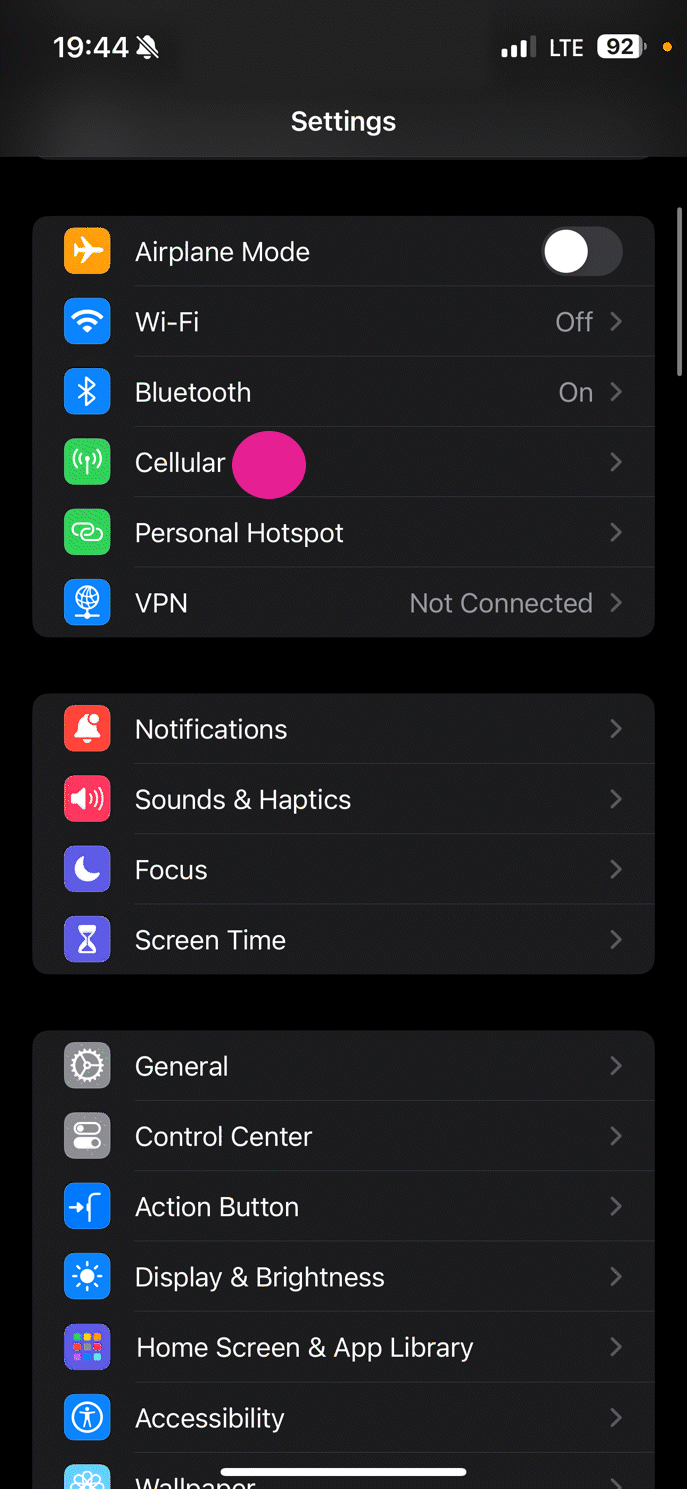
Step 2
Scroll down and select Cellular.
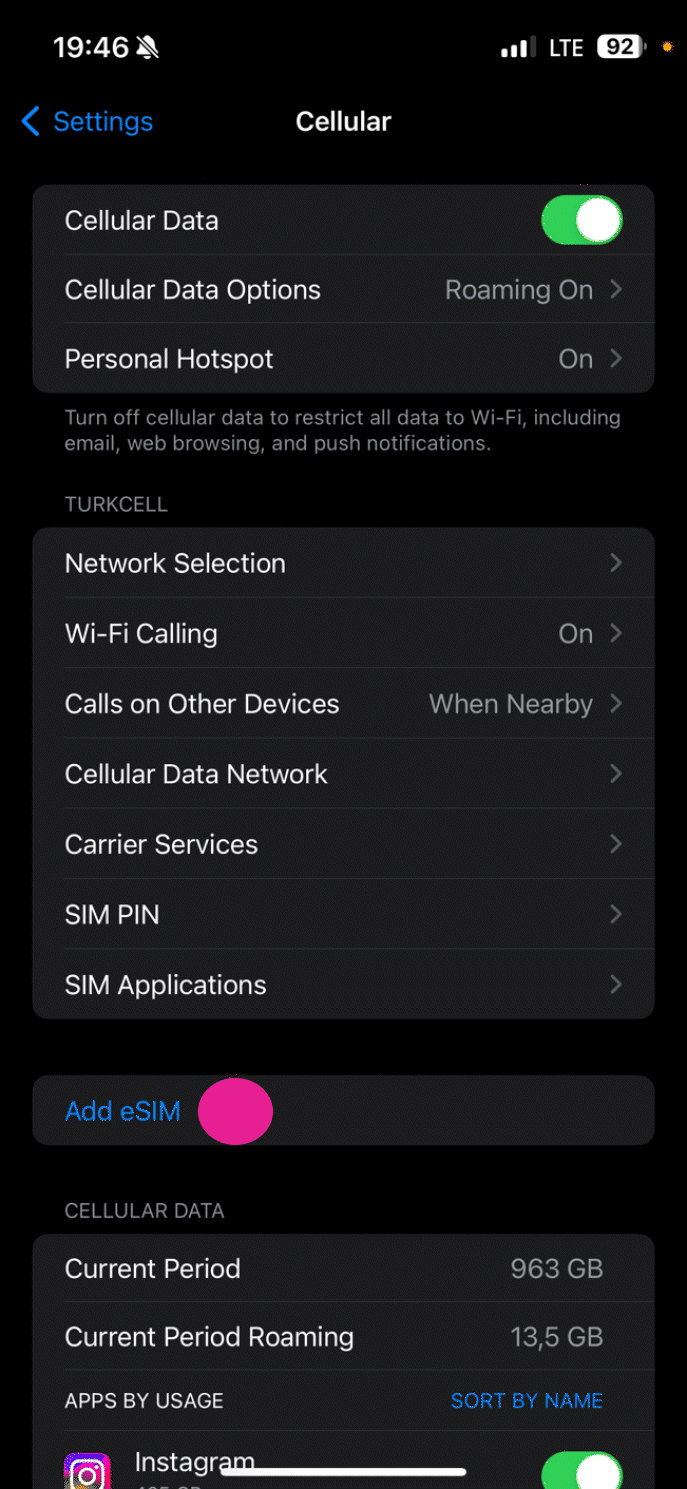
Step 3
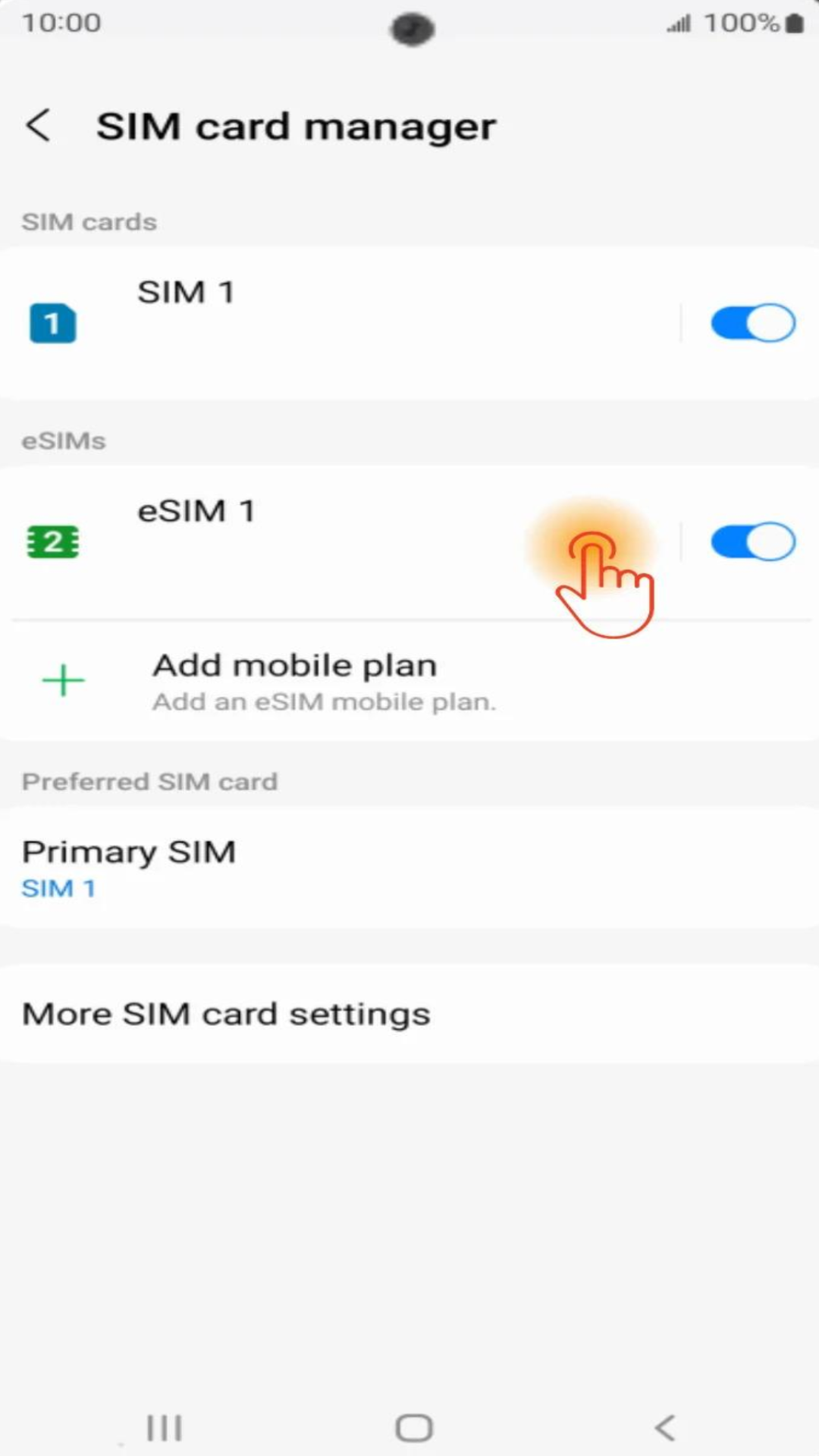
Tap Add eSIM.
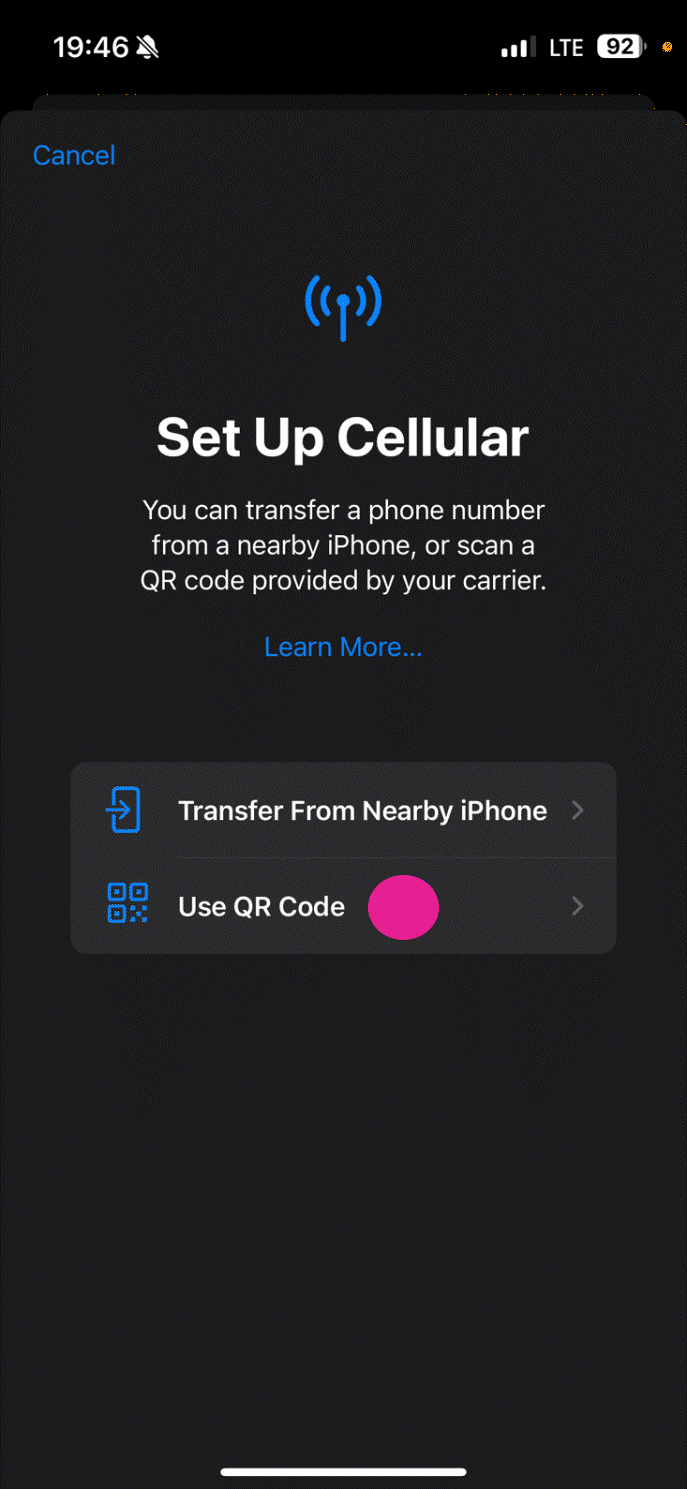
Step 4
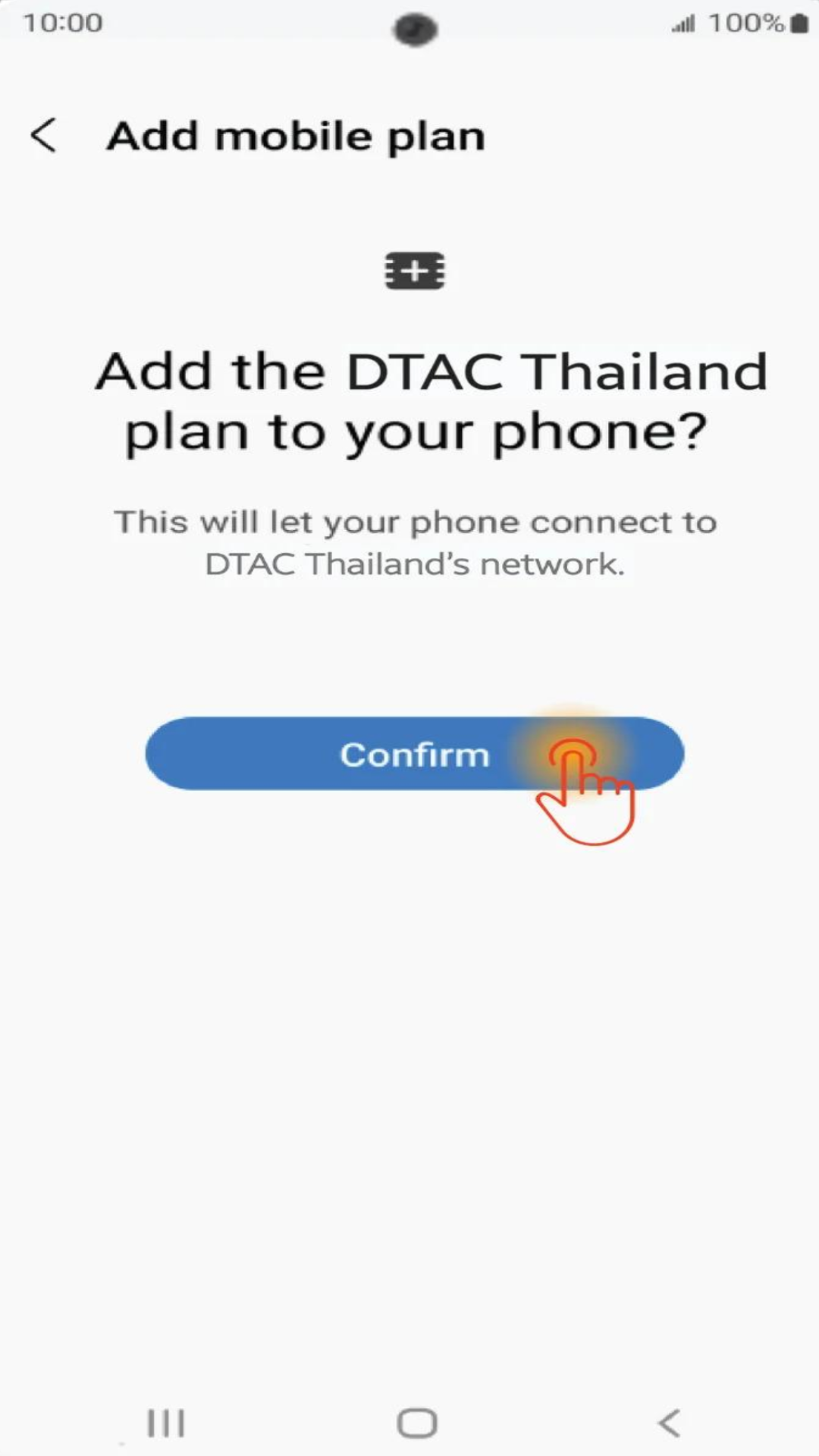
Tap Add Cellular Plan
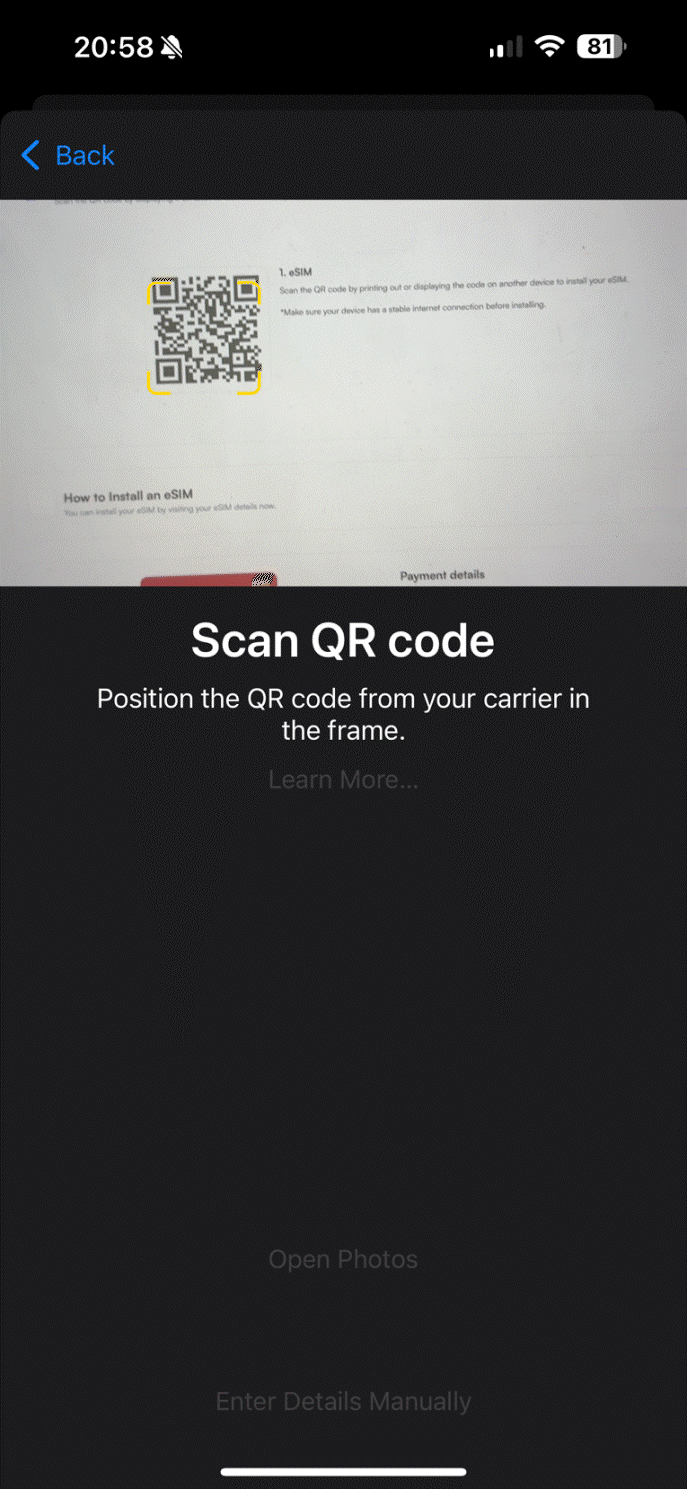
Step 5
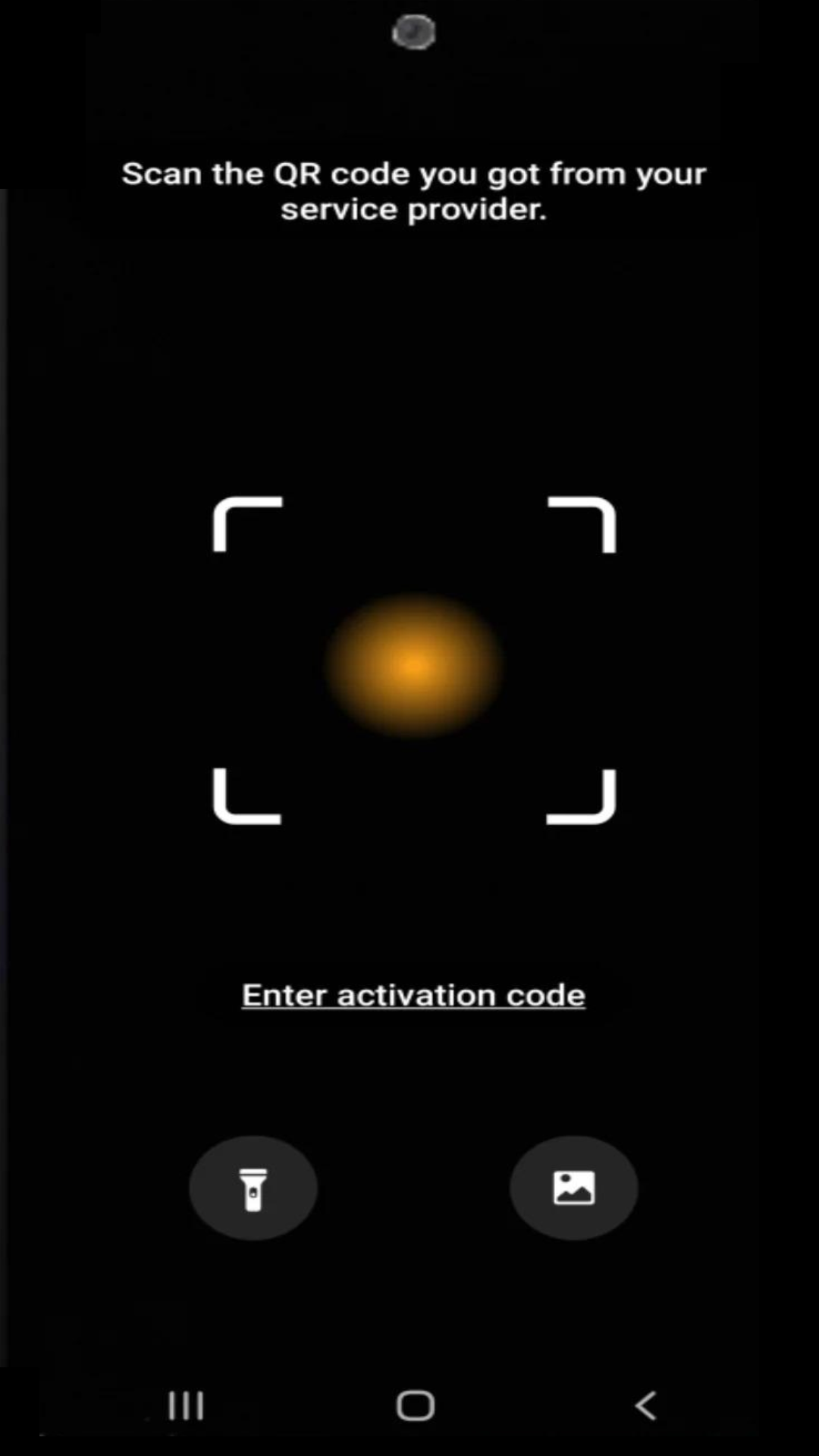
Scan the QR code provided on the website, app, or email.
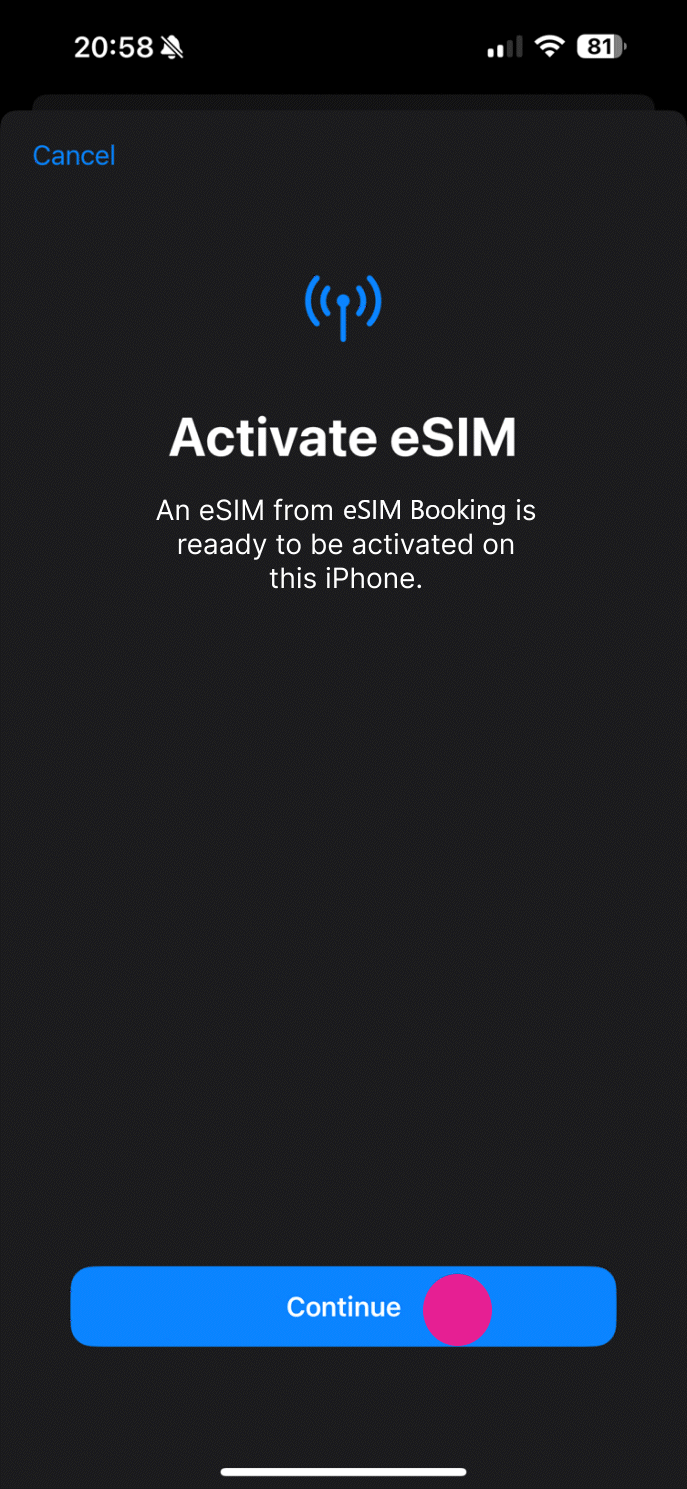
Step 6
Tap the Activate button
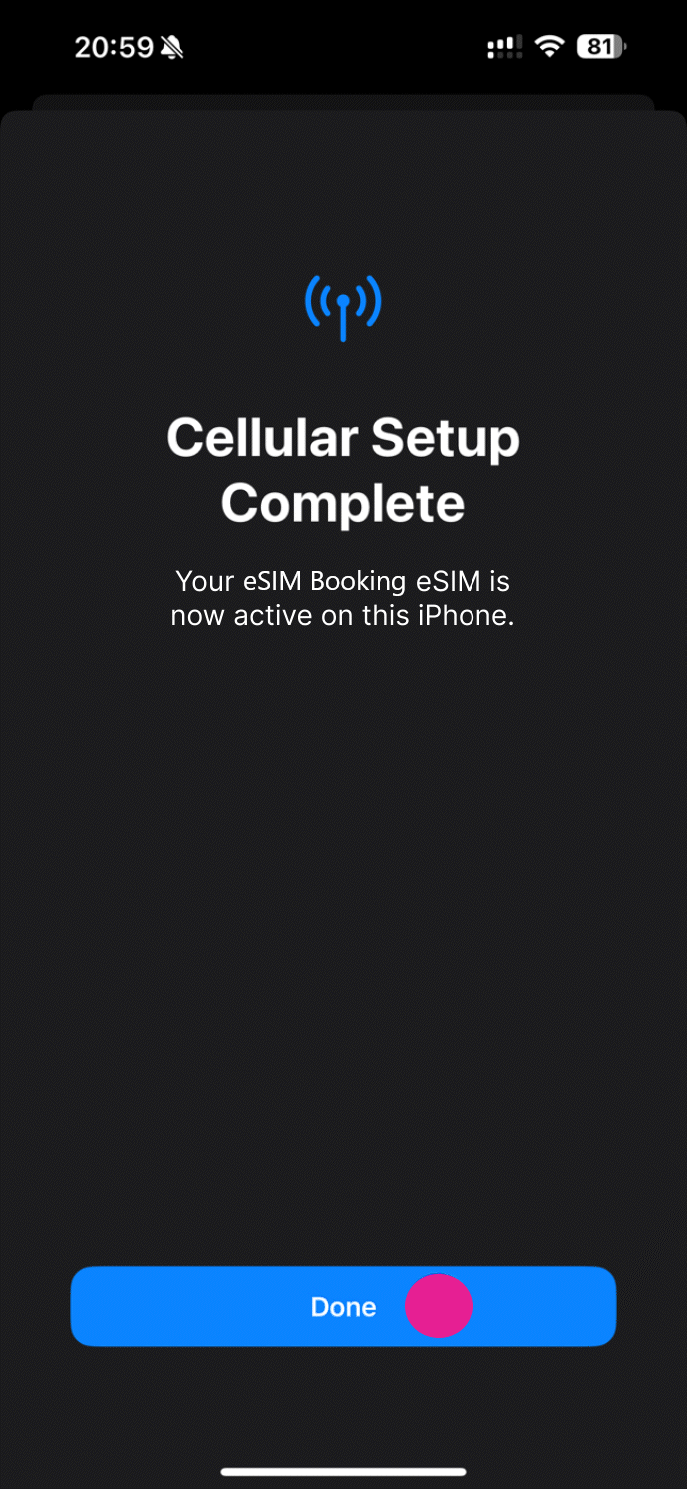
Step 7
Your eSIM has been activated when you press complete.
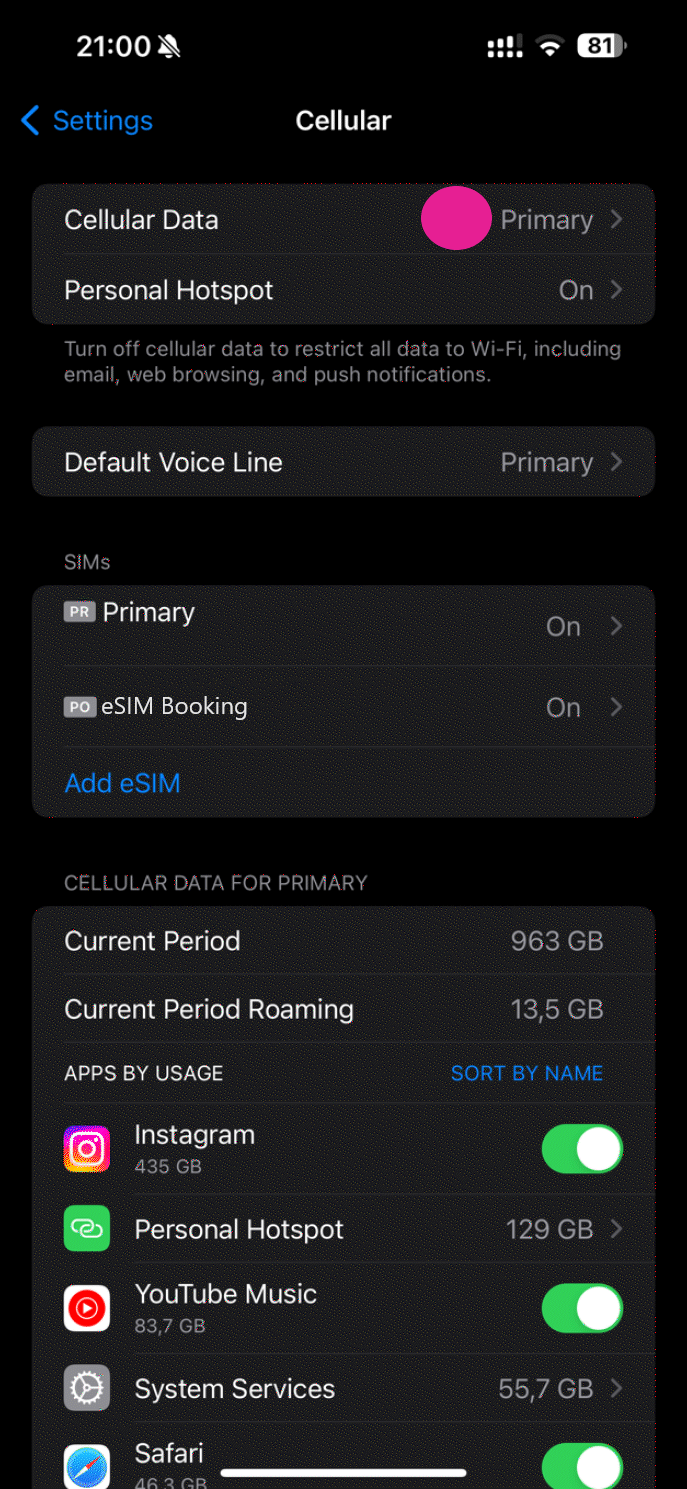
Step 8
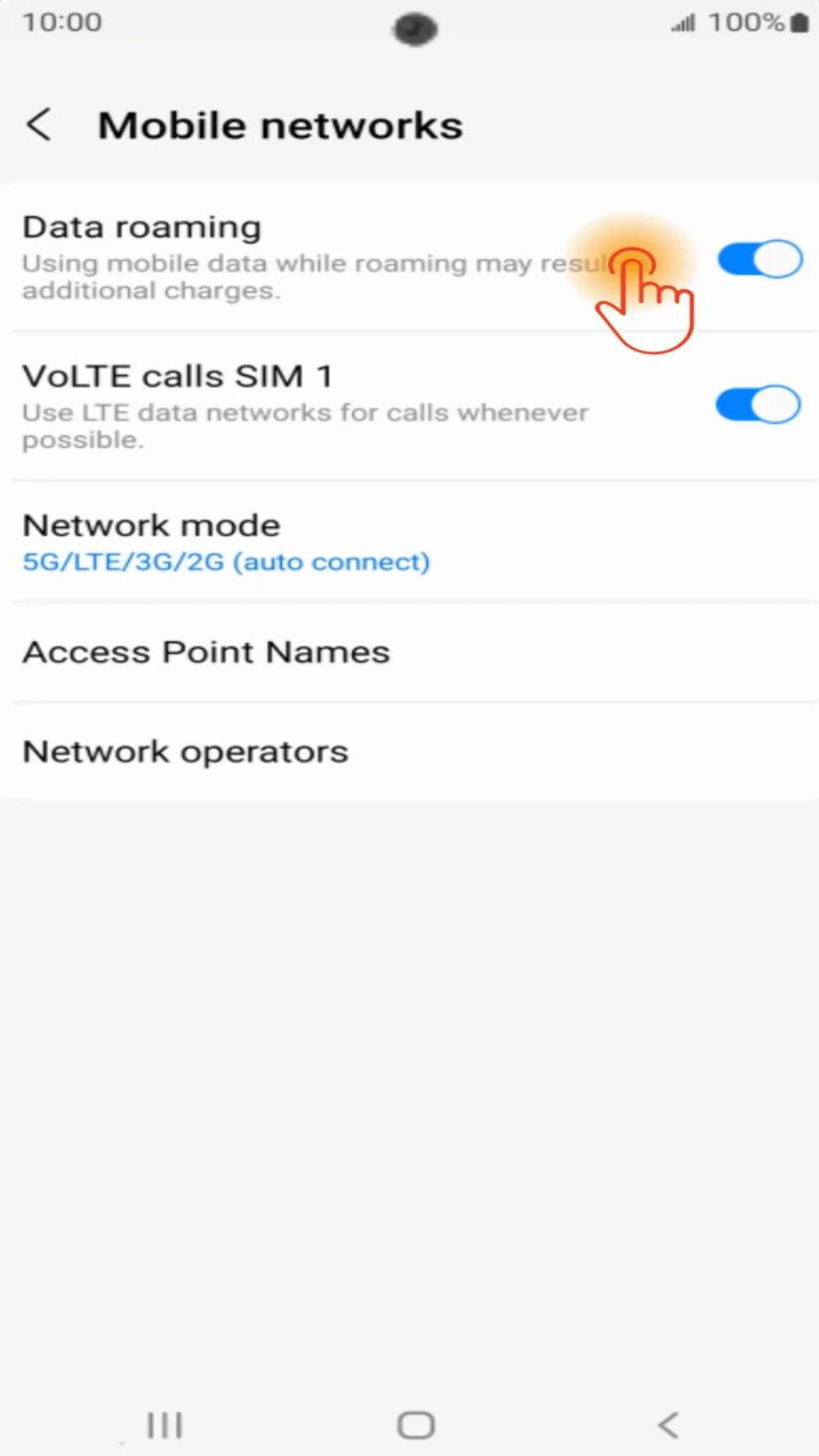
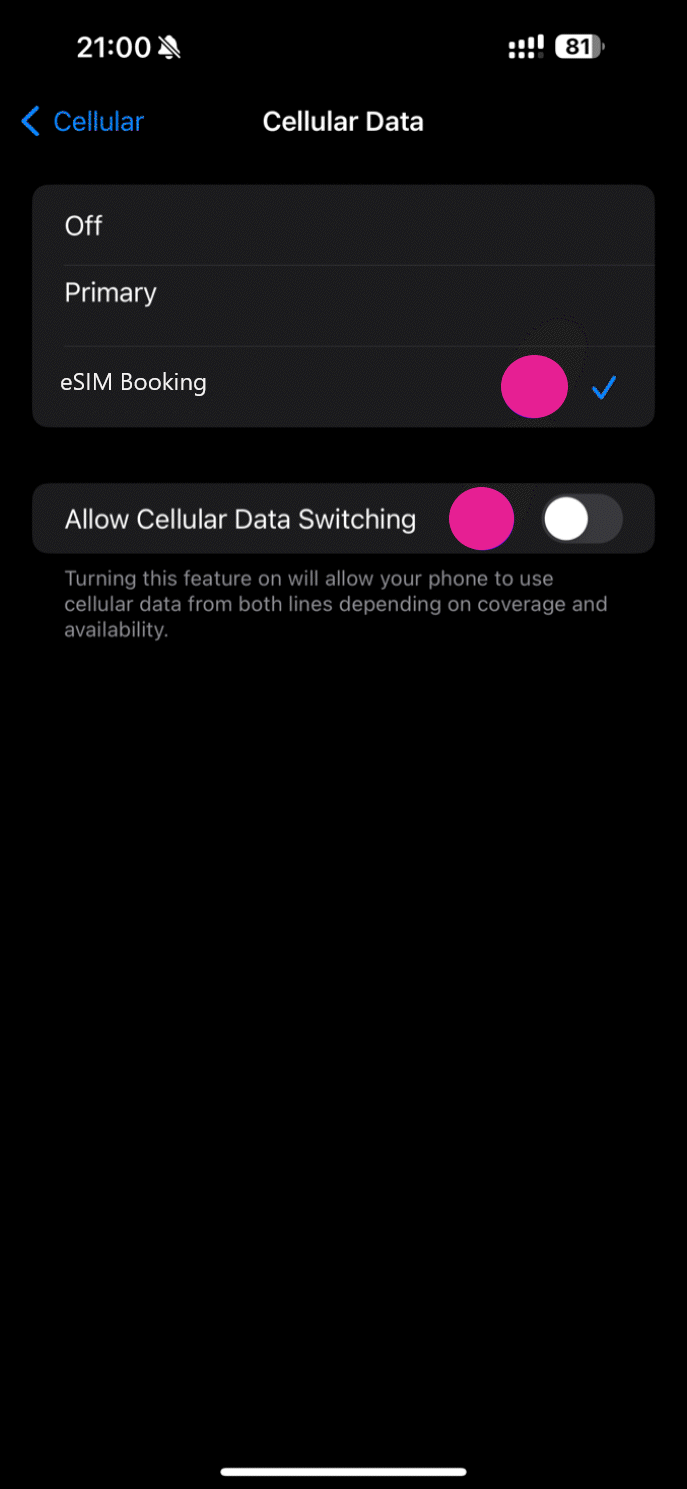
Select cellular data to change the internet service you are using.
Step 9
Select your eSIM or secondary option for cellular data and disable Cellular Data Switching.
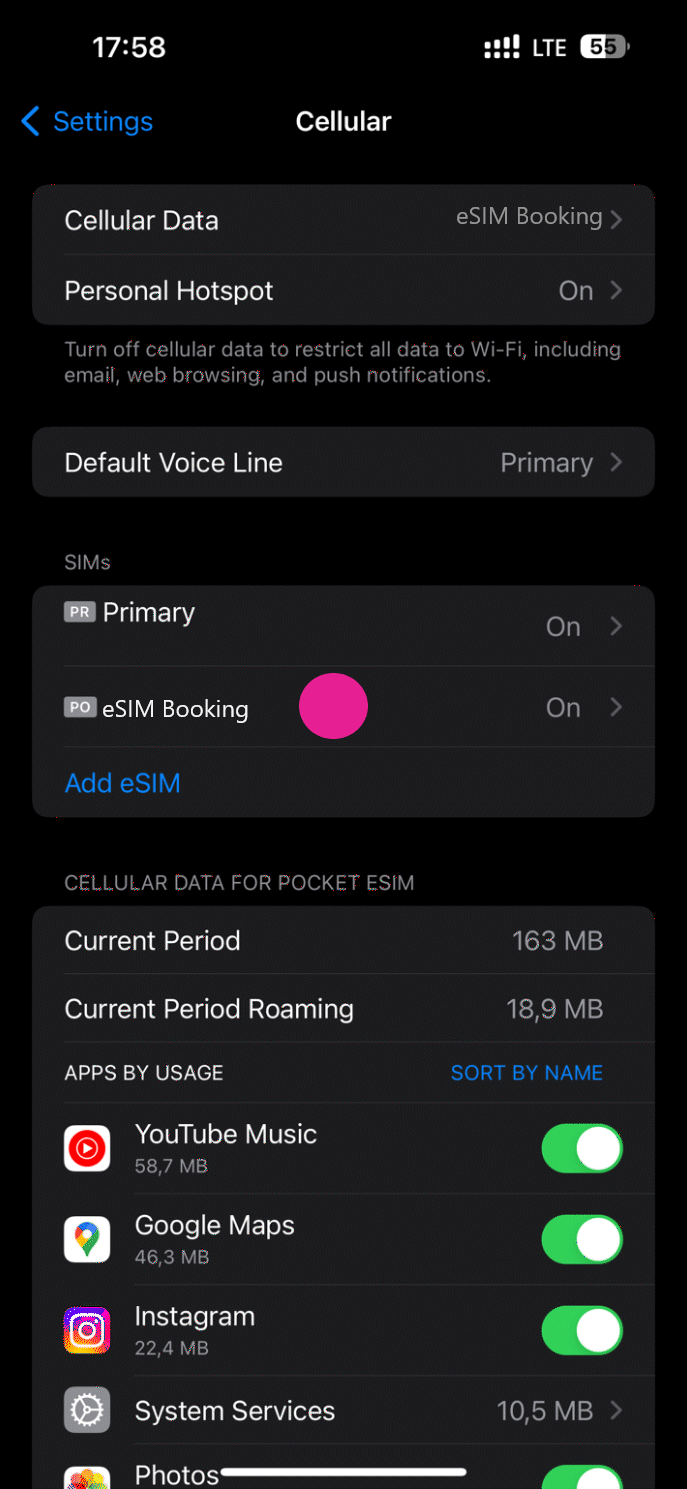
Step 10
Select eSIM Booking as Secondary eSIM.
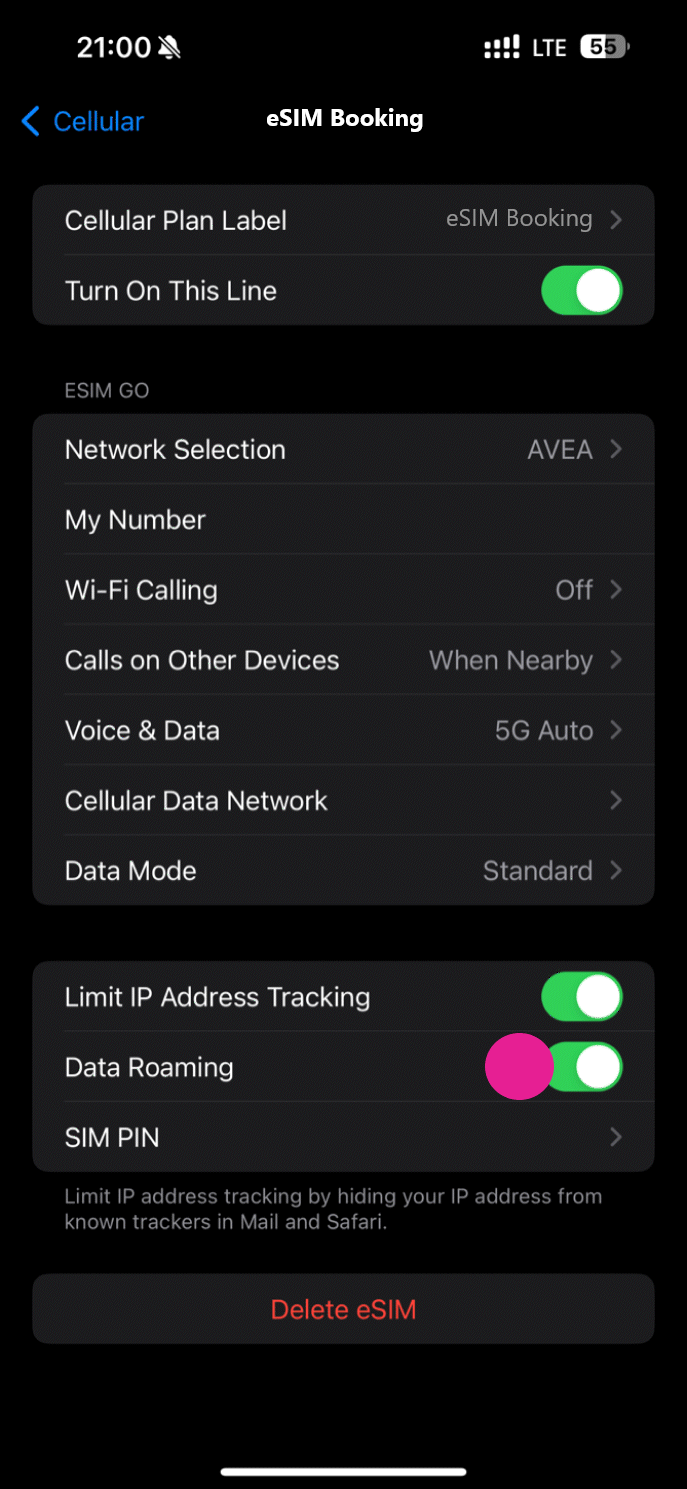
Step 11